

Step 1: Navigate to the Vanguard website

Step 2: Click on Our Sites then Personal investors

Step 3: Click on Log in
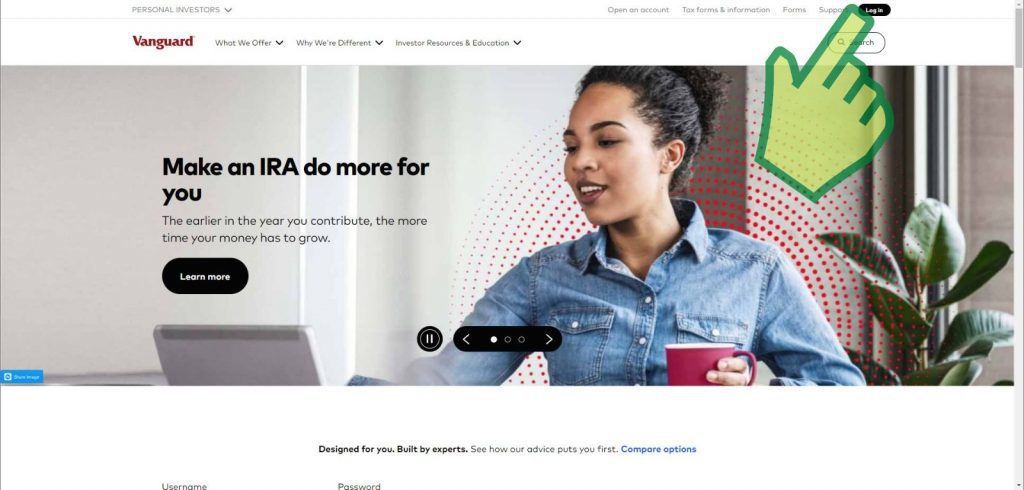
Step 4: Enter your username and password then click Log in

Step 5: Verify that it is you through the Vanguard app or via text message

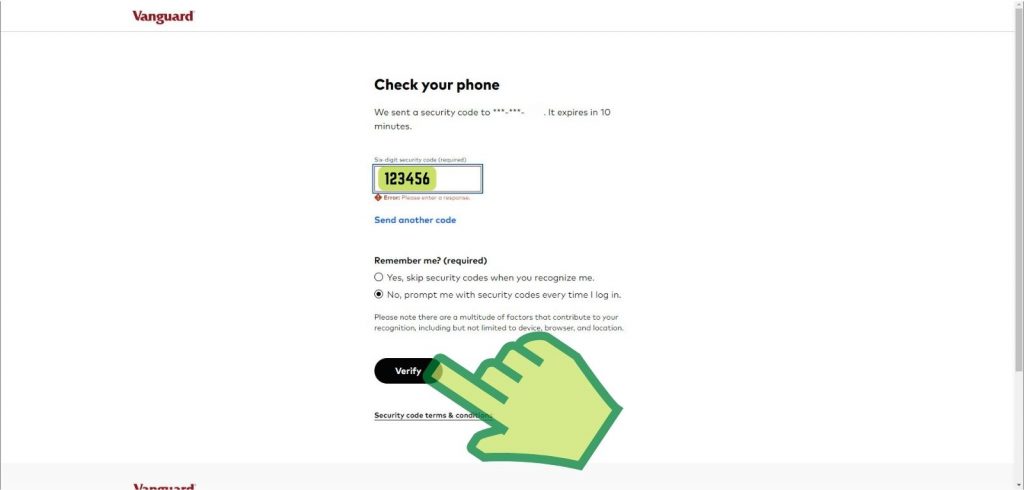
Step 6: Enter your 6-digit security code from your text message then click Verify
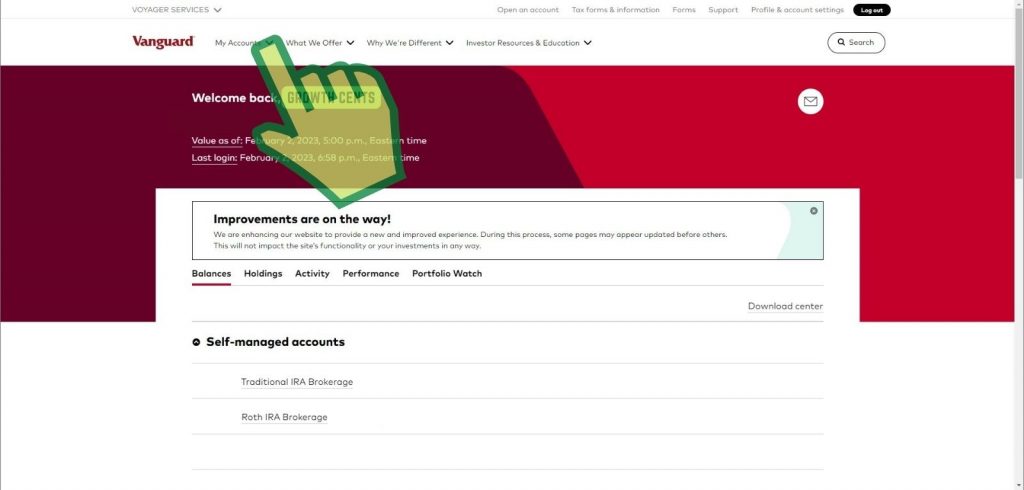
Step 7: Click on the My Account drop-down
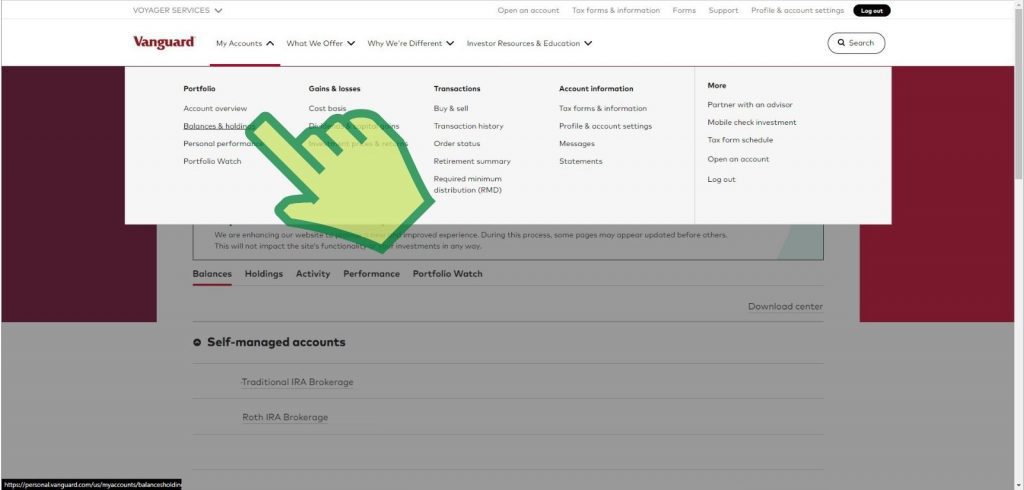
Step 8: In the drop-down menu click on Balances & holdings
Step 9: Click on the three dots to the right of Transact to open up the drop-down
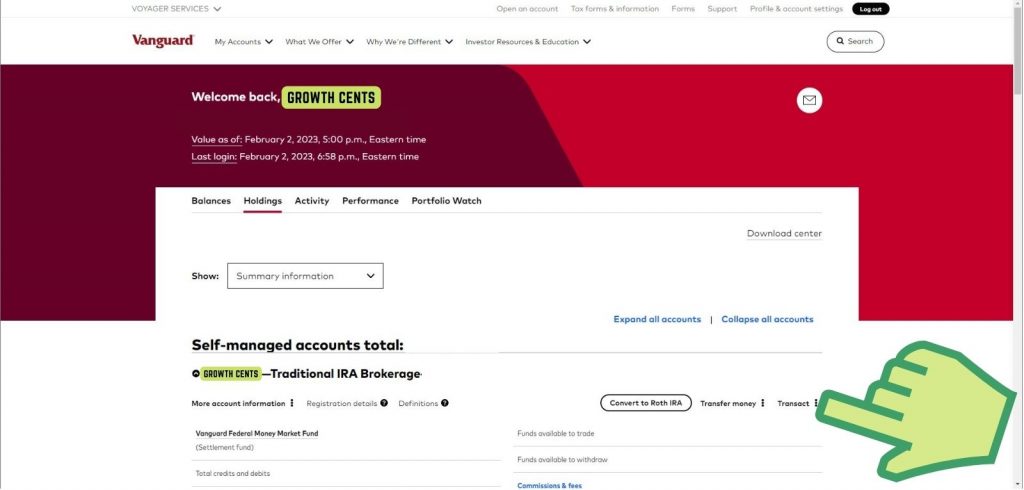
Step 10: Click on Contribute to IRA at the bottom of the drop-down list
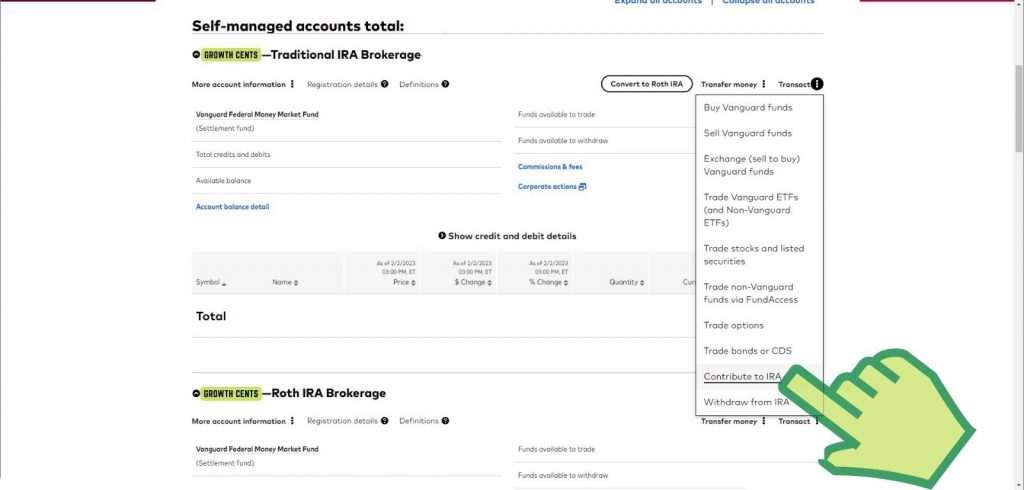
Step 11: Check the box next to Federal Money Market (Settlement fund) and hit Continue
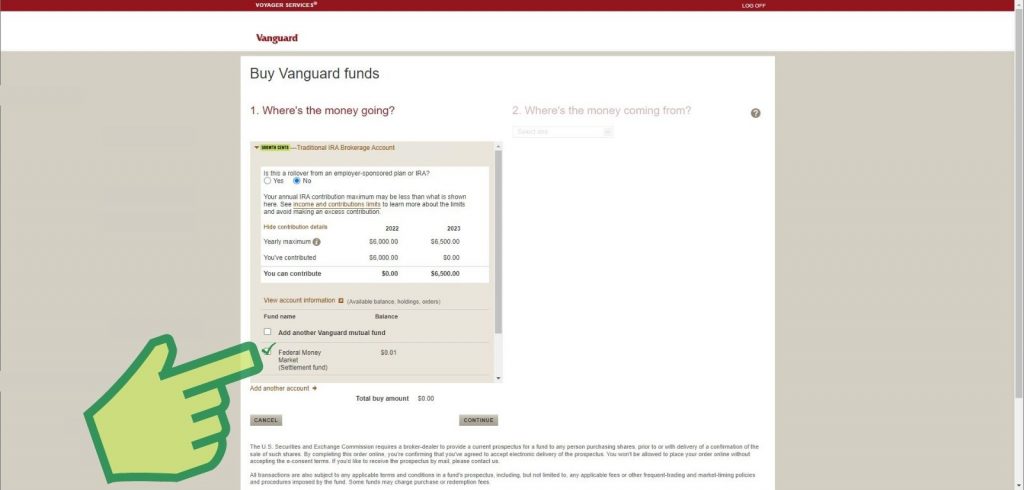
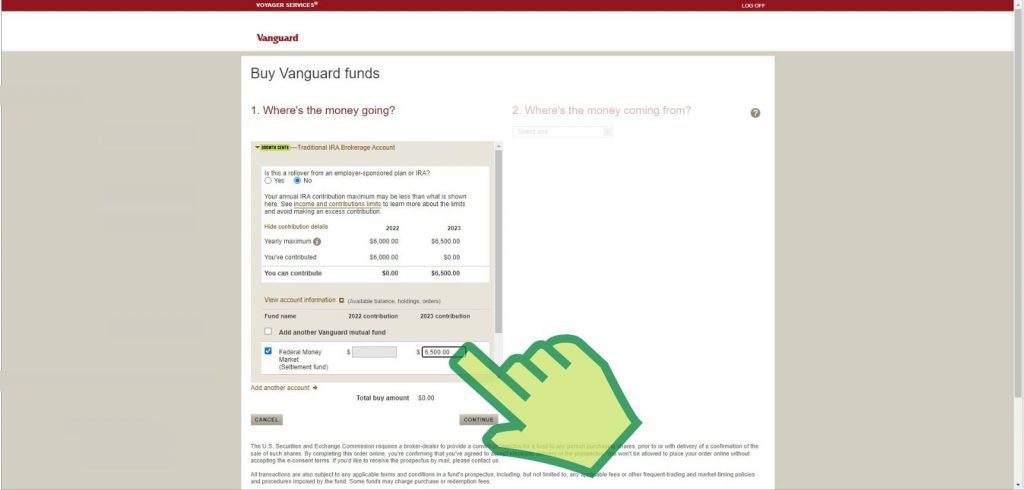
Step 12: Enter 7000.00 into the text box underneath the Fund name 2024 contribution and hit Continue
Step 13: Select the account where the money is coming from and hit Continue

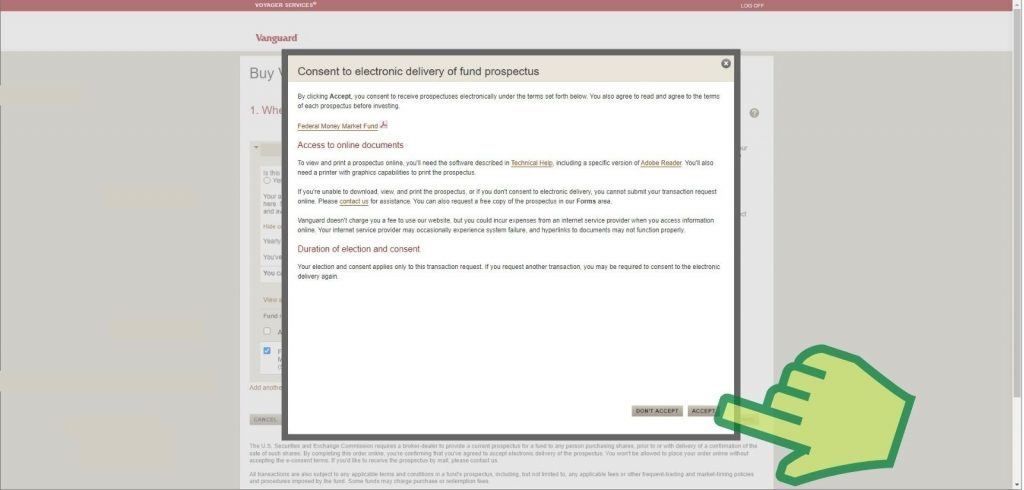
Step 14: Accept the Consent to electronic delivery of fund prospectus
Step 15: Review and submit

Step 16: Print and save this document
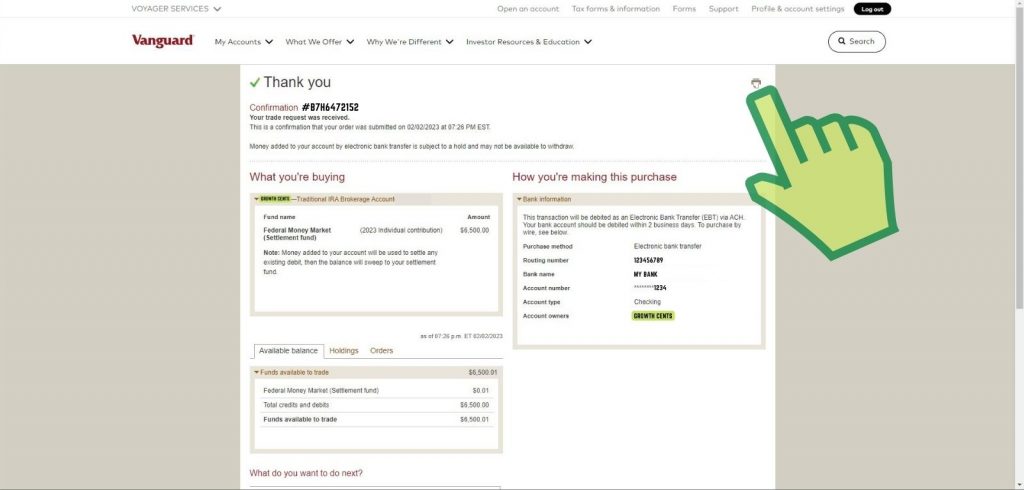
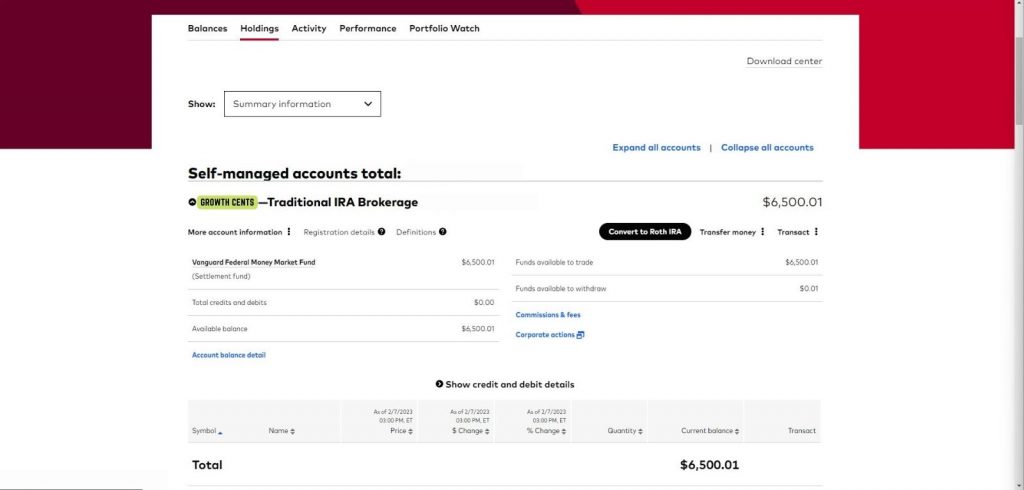
Step 17: After 3-4 days, go back to your traditional IRA account and click on Convert to Roth IRA
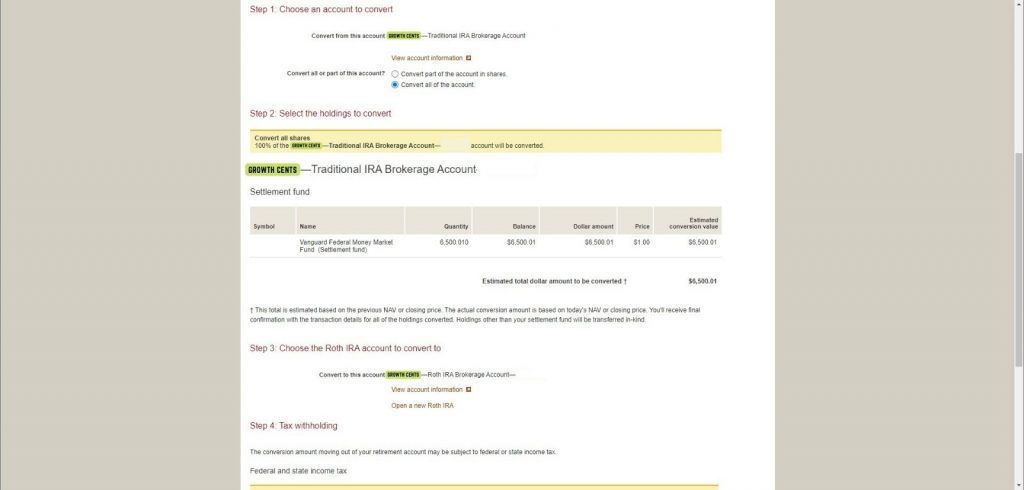
Step 18: Choose an account to convert and click on Convert all of the account

Step 19: Under Steps 2 and 3 pick the holdings to convert and choose the Roth IRA account to convert to
Step 20: Check the box labeled “I elect not to have federal and state income taxes withheld“
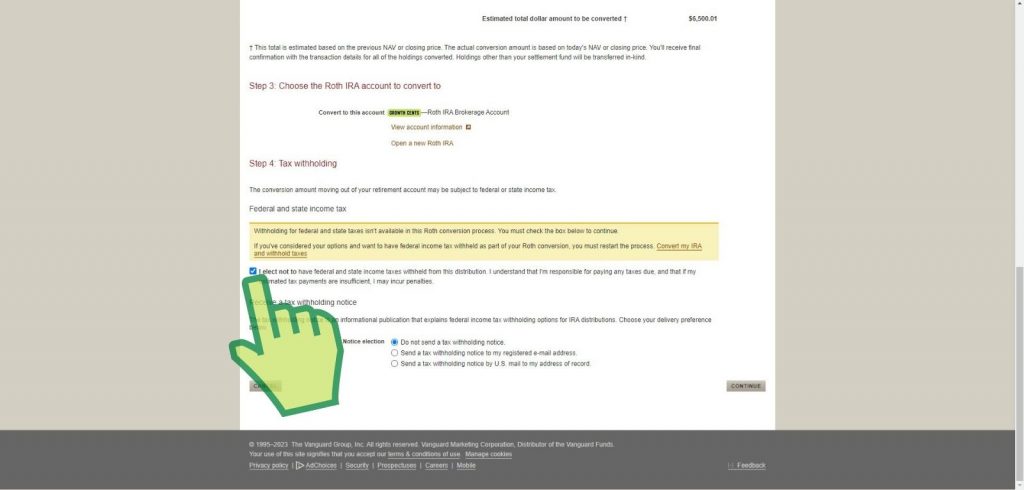
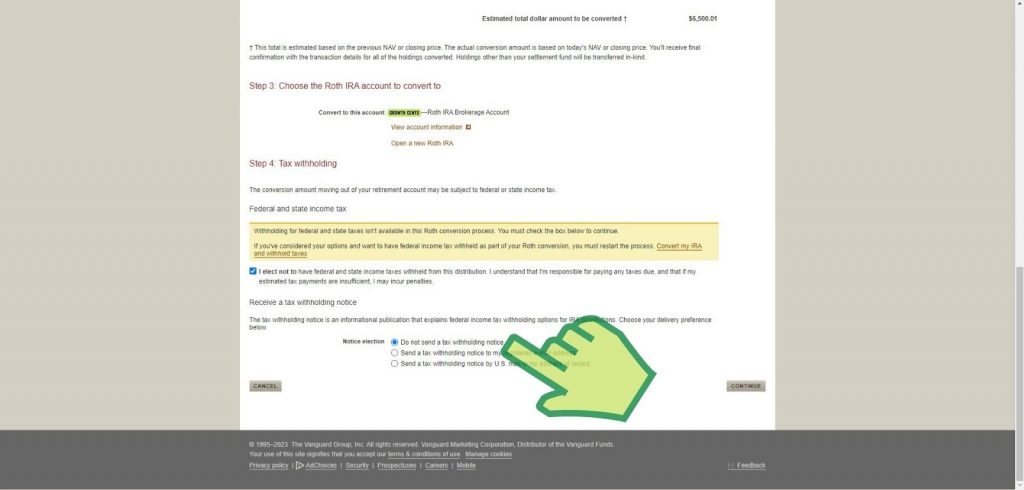
Step 21: Check the Do not send a tax withholding notice and then click Continue
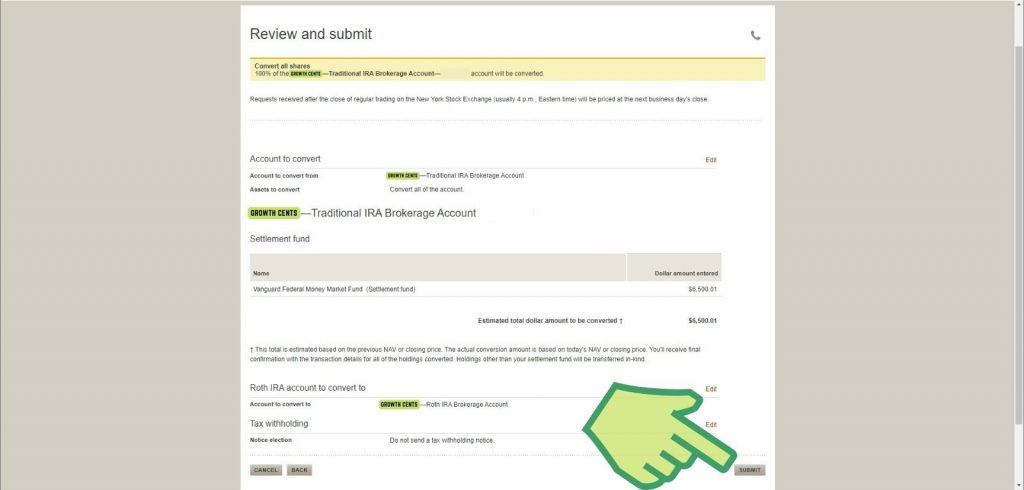
Step 22: Review and submit
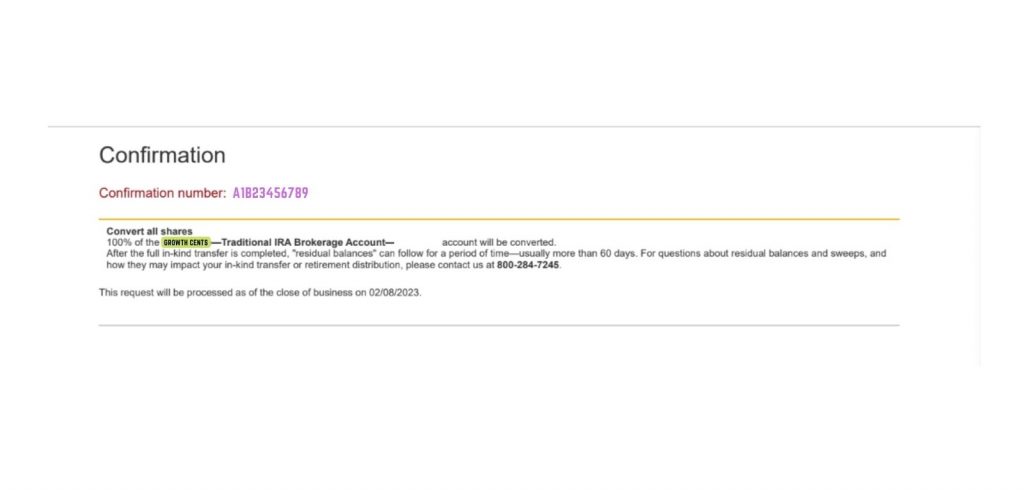
Step 23: Save your confirmation
You’re not done
Next, you’ll need to invest these new Roth IRA funds into a stock of your choice.